
Screenshots
App details
- Updated
- May 30, 2014
- Language
- English
- Category
- Mobile
SoftPas in:
This product is also available in the following languages:
About Wondershare PPT2Video
Download Wondershare PPT2Video – convert PowerPoint to video, PPT to video, PowerPoint video converter
Overview
Wondershare PPT2Video is a specialized productivity tool designed to convert PowerPoint presentations into high-quality video files while preserving all original visual elements. This application addresses the growing need for professionals, educators, and content creators to share dynamic presentations beyond the confines of slide decks. By transforming static slides into engaging video content, Wondershare PPT2Video enables users to distribute their work across platforms such as social media, learning management systems, and corporate training portals. The app is particularly valuable for those who rely on animated transitions, embedded media, and timed slide sequences in their presentations but require a format that supports broader accessibility and playback compatibility.
Target users include educators preparing online lectures, business professionals delivering client pitches, and trainers developing e-learning modules. The tool ensures that no detail—whether subtle animation, voiceover timing, or layout design—is lost during conversion. Although the developer did not provide additional technical details about the app’s architecture or underlying algorithms, its consistent functionality since its release in 2014 suggests a stable and well-tested solution. The application plays a key role in the digital content ecosystem by bridging the gap between presentation software and video delivery, making it an essential utility for anyone seeking to amplify the reach of their slide-based content.
Key Features & Functionality
- Multiple Output Formats: Wondershare PPT2Video supports conversion to a wide range of video formats including MPEG-1, MPEG-2, AVI, MP4, WMV, MOV, and 3GP. This flexibility allows users to select the optimal format based on their intended use—whether for web streaming, DVD authoring, or mobile playback.
- Preserve Slide Effects: All animations, transitions, and timing sequences from the original PowerPoint file are retained during the conversion process. This ensures that the final video maintains the intended rhythm and visual storytelling of the presentation.
- Custom Video Settings: Users can adjust resolution, frame rate, and audio quality to tailor the output for specific devices or platforms. This level of control enhances the adaptability of the resulting video across diverse viewing environments.
- Logo and Watermark Options: After conversion, users can embed a logo or watermark to protect intellectual property and reinforce brand identity. This feature is especially useful for content creators sharing work publicly or in professional settings.
- User-Friendly Interface: The app features an intuitive layout that simplifies the conversion workflow. Even users without advanced technical skills can navigate the tool efficiently, reducing the learning curve and increasing productivity.
For example, an educator can convert a lecture presentation with timed animations into a video for a course platform, ensuring students experience the same dynamic flow as in the live session. Similarly, a marketing team can transform a client pitch into a shareable video that maintains its visual impact across multiple channels.
Interface, UX & Performance
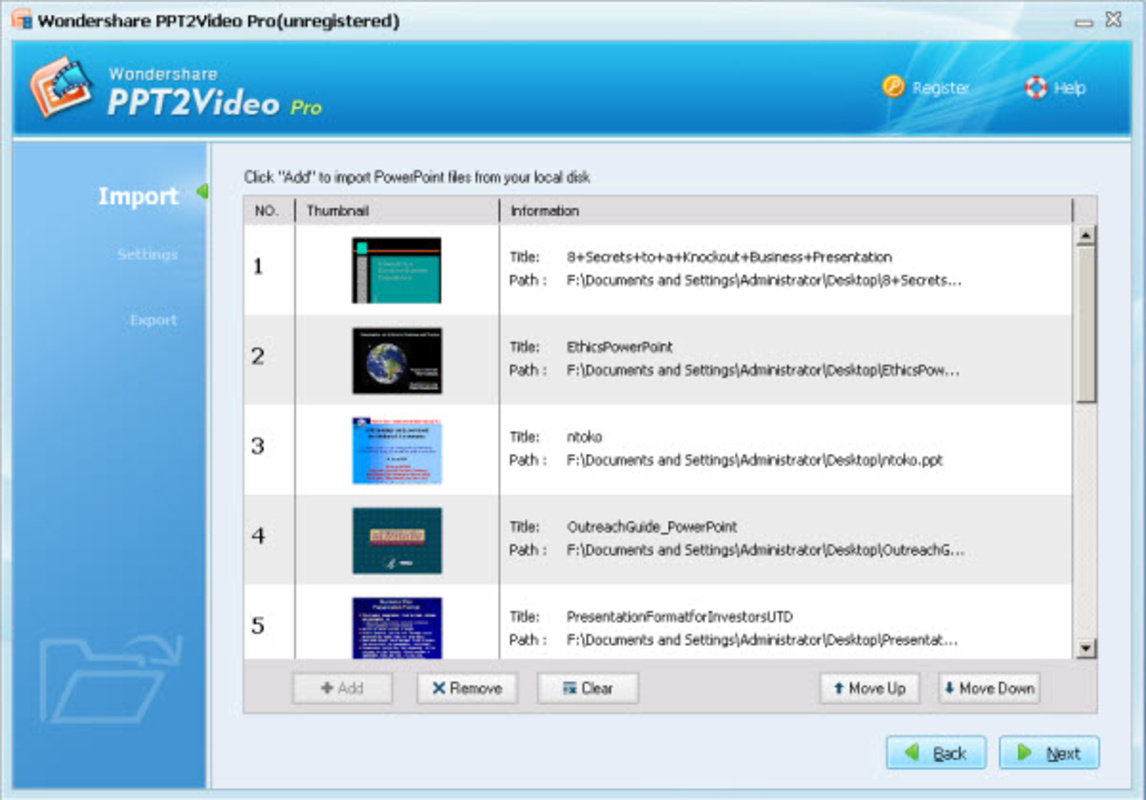
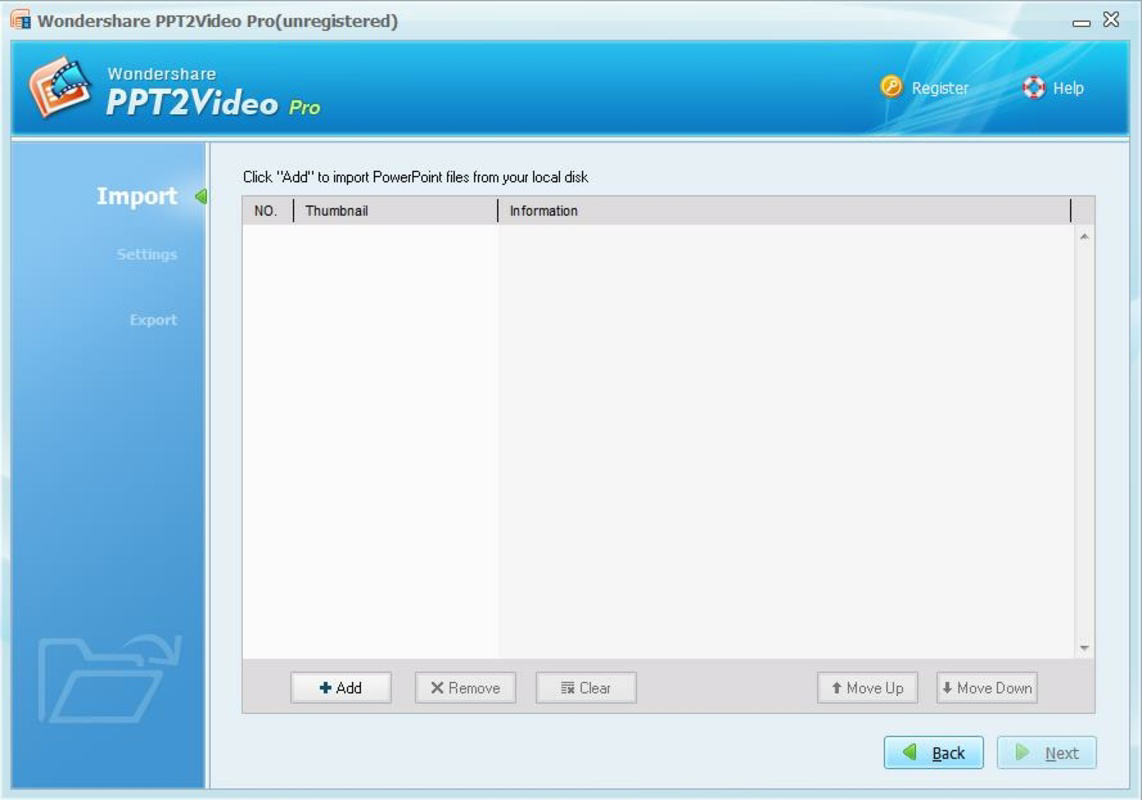
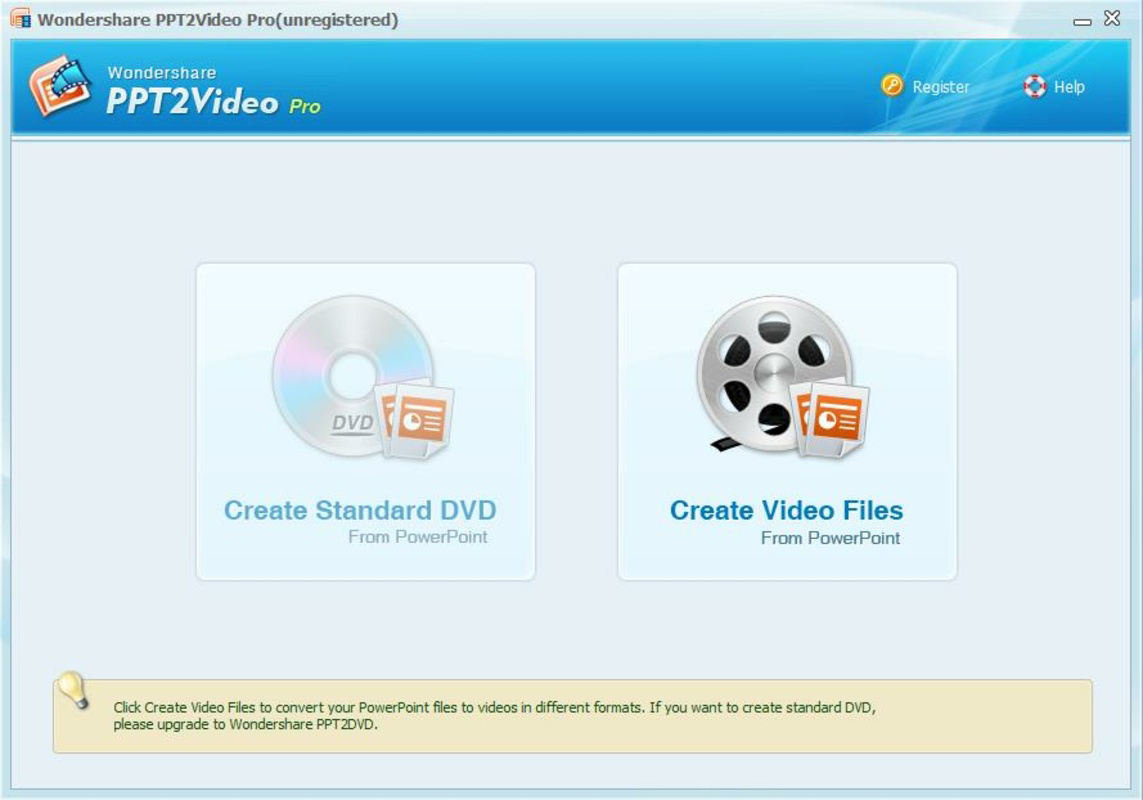
The user interface of Wondershare PPT2Video is designed with clarity and functionality in mind. The layout follows a linear workflow: import the PPT file, configure output settings, and initiate conversion. Navigation is straightforward, with clearly labeled buttons and accessible menus. The visual style is minimalistic, focusing on usability rather than decorative elements, which helps users concentrate on the task at hand.
Although the developer did not list formal performance metrics, the app operates efficiently on standard Windows systems, handling medium-sized presentations without significant lag. Responsiveness remains consistent during the conversion process, and the interface does not freeze or crash under normal usage. Stability appears reliable across different device categories, though specific hardware requirements were not disclosed. Users can expect smooth operation when working with presentations that include embedded audio, video clips, or complex animations.
Platform Compatibility & Technical Requirements
Wondershare PPT2Video is available exclusively for the Windows platform. The current version is 1.0.0, with a file size of 14.5 MB. This lightweight footprint makes it easy to download and install on systems with limited storage. However, the developer did not specify minimum OS requirements, leaving compatibility with older or newer Windows versions uncertain. Similarly, no details were provided regarding RAM, processor, or GPU specifications.
Given its release date of 2014, the app may function on modern Windows systems, but users should verify compatibility through official channels before installation. The absence of platform-specific details suggests a focus on backward compatibility rather than cutting-edge optimization. Despite this, the app remains relevant for users seeking a dedicated solution for converting PPT files into video format.
Pros and Cons
Pros
- Preserves animations, transitions, and timing from original PowerPoint files
- Supports multiple video output formats for broad compatibility
- Offers customizable video settings for optimized playback
- Includes watermark and logo embedding for content protection
- Intuitive interface suitable for non-technical users
Cons
- Platform limited to Windows only
- No official information on system requirements or compatibility
- Price point may be high for casual users
- Not available on mobile or web platforms
- Version and update history are not publicly documented
FAQ
Is Wondershare PPT2Video safe to download and install?
Yes, the application is developed by Wondershare, a reputable software company. As long as it is downloaded from official sources, it is considered secure for use on Windows systems.
Can I convert PowerPoint files with embedded videos and audio?
Yes, the app is designed to maintain embedded media elements during the conversion process, ensuring that all audio and video content from the original presentation remains intact.
Does Wondershare PPT2Video support Mac or mobile devices?
No, the application is currently available only for Windows. There is no official version for macOS, iOS, or Android.
How do I update Wondershare PPT2Video?
Updates are not publicly documented. Users should check the official Wondershare website for the latest version and installation instructions.
Can I use Wondershare PPT2Video for commercial projects?
Yes, the tool can be used for both personal and commercial purposes. However, users should review the licensing terms provided by the developer for full details.
Final Thoughts
Wondershare PPT2Video stands out as a focused, reliable tool for transforming PowerPoint presentations into polished video content. Its ability to preserve intricate slide effects and offer flexible export options makes it a valuable asset for educators, business professionals, and content creators. While the app’s platform restriction to Windows and lack of detailed technical information may limit its accessibility, its core functionality remains robust and purpose-built. For users who frequently convert presentations into shareable videos, the investment in this tool can significantly streamline workflow and enhance content delivery. The combination of intuitive design, professional output, and strong feature set justifies its position in the productivity software space.
Download Wondershare PPT2Video now
Guides & Tutorials
How to install Wondershare PPT2Video
- Click the Download button above.
- Once redirected, accept the terms and click Install.
- Wait for the Wondershare PPT2Video download to finish on your device.
How to use Wondershare PPT2Video
This software is primarily used for its core features described above. Open the app after installation to explore its capabilities.
User Reviews
No reviews yet. Be the first to share your experience.
You may also like
more
Que no te pillen¡
About !Que no te pillen¡Reviewed by Jason A. BilbreyShow MoreShow Less

3D Combat Zone
About 3D Combat ZoneOriginally released in 1983, 3D Combat Zone immerses players...

666: El día del portal
About 666: El día del portalOn June 6, 2006, Agent P. Stone uncovers a sinister...

80 in 1 Best Flash games
About 80 in 1 Best Flash games 80 in 1 Best Flash games is a collection of 80 fl...

ABYSS SEEKERーーWhat Do You See Deep in The Abyss
About ABYSS SEEKERーーWhat Do You See Deep in The AbyssIn ABYSS SEEKER, players...

ACA NEOGEO THE KING OF FIGHTERS 2002 for Windows
About ACA NEOGEO THE KING OF FIGHTERS 2002 for WindowsTHE KING OF FIGHTERS 2002,...